

The landscape of professional education has undergone a radical transformation over the last two decades. What began as rigid, instructor-led classroom sessions has evolved into a hybrid ecosystem blending physical presence with real-time digital interaction. According to recent industry analyses, the global e-learning market is projected to reach $457.78 billion by 2026, driven largely by the demand for flexible, live-online learning models. This shift is not merely a technological upgrade but a fundamental change in how knowledge is transferred, retained, and applied in the workplace. (About Us Dynamic web)
Defining Live Training in the Modern Era
To understand the evolution, we must first establish clear definitions. Live training is a synchronous educational method where an instructor and participants interact in real-time. This interaction can occur in a physical room or via a digital platform. Unlike pre-recorded courses, live training allows for immediate feedback, clarification of complex concepts, and peer-to-peer learning dynamics. (Computer and IT Courses)
Virtual instructor-led training (VILT) is a subset of live training conducted entirely over the internet. This format has gained immense popularity due to its accessibility and cost-effectiveness. It allows organizations to scale training across geographic boundaries without the logistical overhead of travel and venue booking.
Blended learning is an educational approach that combines online digital media with traditional classroom methods. This hybrid model leverages the flexibility of digital content for theoretical knowledge and the engagement of live sessions for practical application. It represents the current gold standard for many corporate training programs.
Historical Context: The Classroom Foundation
For decades, the primary mode of professional development was the instructor-led classroom. Organizations would book venues, fly in experts, and gather employees for intensive multi-day workshops. This model offered high engagement and networking opportunities but suffered from significant limitations. The cost of travel, accommodation, and lost productivity was substantial.
Dynamic Web Training, established in 2000, emerged during a pivotal time when businesses were beginning to recognize the need for specialized software skills. As Microsoft and Adobe products became central to business operations, the demand for certified, hands-on training grew exponentially. The traditional classroom model allowed for deep, focused learning in fully equipped computer labs, ensuring that every participant had the necessary hardware to practice immediately.
However, the scalability of this model was limited. A single instructor could only teach a small group of students effectively. This constraint led to long waiting lists and delayed skill acquisition for many professionals. The industry needed a solution that could maintain the quality of instructor-led instruction while removing geographic and logistical barriers.
The Digital Transition and Hybrid Models
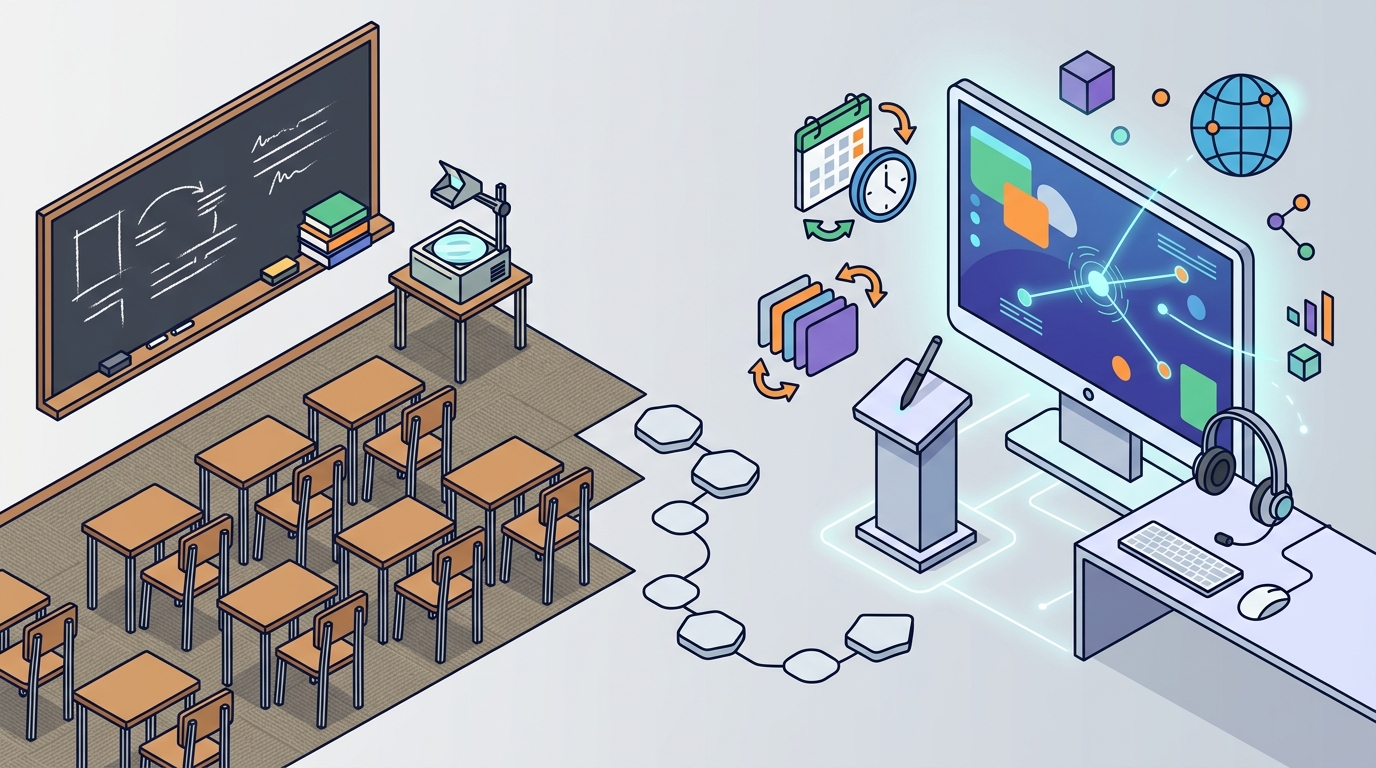
The advent of high-speed internet and robust video conferencing tools enabled the shift from physical classrooms to virtual environments. This transition was not instantaneous but rather a gradual evolution. Initially, live online training was simply a lecture delivered via webcam. It lacked the interactivity and hands-on components that defined effective software training.
As technology improved, so did the delivery methods. Platforms now allow for screen sharing, remote desktop control, and collaborative whiteboards. This evolution has allowed trainers to demonstrate software features in real-time while participants follow along on their own devices. The result is a learning experience that closely mirrors the in-person classroom but with greater flexibility.
Organizations like Dynamic Web Training have adapted by offering both in-person and online live formats. This flexibility ensures that learners can choose the mode that best suits their schedule and learning style. For instance, corporate groups in Queensland can opt for in-house workplace training, while individuals in other regions can join online live sessions. This approach maximizes accessibility without compromising on the quality of instruction.
The Instruct-Demonstrate-Challenge Methodology
Regardless of the delivery mode, the core methodology of effective software training remains consistent. The proven approach involves three critical steps: Instruct, Demonstrate, and Challenge. This framework ensures that learners not only understand the theory but can also apply it practically.
Instruct involves the trainer explaining the theoretical concepts and software features. This step builds the foundational knowledge required for the subsequent practical exercises. Demonstrate follows, where the trainer performs the task, allowing learners to see the expected outcome. Finally, Challenge requires the participant to perform the task themselves, with one-on-one assistance available as needed.
This methodology is particularly effective in live training settings because it allows for immediate correction and clarification. In a virtual environment, trainers can use remote desktop tools to guide participants through complex steps. This hands-on approach is crucial for mastering applications like Excel, Power BI, or Adobe Photoshop, where muscle memory and procedural knowledge are key.
Comparing Training Modalities
Choosing the right training modality depends on various factors, including budget, learning objectives, and organizational culture. The table below summarizes the key differences between traditional classroom training, live online training, and self-paced e-learning.
| Feature | Instructor-Led Classroom | Live Online Training | Self-Paced E-Learning |
|---|---|---|---|
| Interaction | High face-to-face interaction | Real-time digital interaction | Minimal to no interaction |
| Flexibility | Fixed schedule and location | Flexible location, fixed schedule | Complete schedule and location flexibility |
| Hands-on Practice | Immediate access to labs | Remote desktop support | Simulated environments |
| Cost | Higher (travel, venue) | Medium (no travel costs) | Lower (one-time fee) |
| Best For | Deep networking and intensive workshops | Corporate teams and remote workers | Individuals with tight schedules |
While self-paced courses offer convenience, they often lack the accountability and immediate support of live training. Live online training bridges this gap by providing the structure of a classroom with the convenience of remote access. For complex software like SQL or Python, the guidance of an expert trainer is invaluable in overcoming technical hurdles.
Key Takeaways
- Market Growth: The global e-learning market is expected to reach $457.78 billion by 2026, highlighting the rapid adoption of digital learning solutions.
- Methodology: The Instruct, Demonstrate, Challenge framework remains the gold standard for effective software training, regardless of delivery mode.
- Provider History: Dynamic Web Training has been a leader in instructor-led software training since 2000, serving over 12,000 businesses across Australia.
- Student Satisfaction: The provider maintains a 4.83 student satisfaction rating based on 66,906 course reviews, indicating high quality of instruction.
- Recommendation Rate: 97.52% of students recommend Dynamic Web Training, reflecting strong trust in their training packages and support.
- Flexibility: Modern training providers offer both in-person and online live formats to accommodate diverse learner needs and geographic locations.
- Support: Key benefits of live training include free email support, certified expert trainers, and the option to re-sit courses within eight months.
Frequently Asked Questions
What is the difference between live online training and pre-recorded courses?
Live online training involves real-time interaction with an instructor and fellow students, allowing for immediate questions and feedback. Pre-recorded courses are self-paced and do not offer direct interaction with a trainer during the learning process.
Do I need to bring my own laptop to live online training?
For live online training, you will need a computer with a stable internet connection and the required software installed. In contrast, in-person classroom training at locations like Sydney or Melbourne provides fully set-up computer labs, so you do not need to bring your own device.
How does the Instruct, Demonstrate, Challenge methodology work?
This methodology ensures comprehensive learning by first explaining concepts (Instruct), then showing how to perform tasks (Demonstrate), and finally requiring the student to perform the task themselves with guidance (Challenge). This approach reinforces practical skills and retention.
What training packages are available for corporate groups?
Dynamic Web Training offers customized training packages for corporate groups, including Microsoft Office, Adobe Creative Cloud, and Xero accounting software. These packages can be tailored to specific business needs and delivered either in-house or online.
Is there support available after completing a course?
Yes, students receive free email support to maximize their learning potential. Additionally, there is a free re-sit option available up to eight months after the initial course, allowing learners to reinforce their skills at no extra cost.
What are the training locations for in-person classes?
In-person classes are primarily held in Sydney and Melbourne. Sydney classes are located at Level 11, 32 Walker Street, North Sydney, while Melbourne classes are at Level 12, 379 Collins Street, Melbourne. Other regions like Brisbane, Canberra, Adelaide, and Perth offer online live or in-house workplace training.
How can I book a course?
You can book a course by visiting the Contact Us page on the Dynamic Web Training website or by calling their client services team at 1300 888 724. They can assist with selecting the right training package for your needs.
Start Your Training Journey
The evolution of live training has made professional development more accessible and effective than ever before. Whether you choose the immersive experience of a classroom in Sydney or the flexibility of online live training, the goal remains the same: to master the tools that drive business success. Dynamic Web Training offers a comprehensive range of courses, from Microsoft Excel to Adobe Photoshop, designed to meet the needs of both individuals and corporate groups.
Take advantage of the proven Instruct, Demonstrate, Challenge methodology and benefit from certified expert trainers. Explore the Training Packages available to find the perfect fit for your learning goals. For more information on course dates and facilities, visit the Training Facilities page. To get started, Book Now and join the thousands of professionals who have enhanced their skills with Dynamic Web Training.