

Essential Criteria for Choosing an Adobe Photoshop or InDesign Training Provider in Sydney and Melbourne
Adobe Creative Cloud software remains the industry standard for graphic design and digital media professionals across Australia. According to recent industry reports, over 90% of design agencies in major metropolitan hubs rely on Adobe tools for daily operations. This dominance makes selecting the right training provider a critical career investment. In Sydney and Melbourne, the market is saturated with options, ranging from online self-paced modules to intensive instructor-led workshops. Understanding the specific criteria for quality education ensures you do not waste time on outdated curricula or unqualified instructors. (About Us Dynamic web)
Instructor Expertise and Real-World Experience
The quality of your training is directly proportional to the instructor's practical experience. Many providers offer courses taught by individuals who have only studied the software theoretically. However, Adobe Photoshop and InDesign are complex tools that require nuanced understanding of workflow efficiency. Dynamic Web Training employs certified expert trainers who bring real-world industry experience into the classroom. This ensures that you learn not just the buttons, but the professional workflows used in top-tier agencies. (Computer and IT Courses)
When evaluating a provider, ask about their instructors' professional backgrounds. Do they have active portfolios? Have they worked on large-scale corporate projects? Instructors who have navigated the challenges of client deadlines and print production will teach you how to avoid common pitfalls. This level of mentorship is invaluable for both beginners and intermediate users looking to refine their skills. (Computer and IT Courses)
The Instruct-Demonstrate-Challenge Methodology
Passive learning is ineffective for mastering creative software. The most effective training providers utilize a structured pedagogical approach. Dynamic Web Training uses a proven three-part process known as Instruct, Demonstrate, and Challenge. This methodology ensures that participants fully understand the learning outcomes before moving forward. (Adobe Acrobat Training Courses)
Instruct
Trainers begin by ensuring all participants have a theoretical understanding of the software features and training tasks. This foundational step prevents confusion during the practical application phase.
Demonstrate
Next, the instructor demonstrates the training task. Participants can see exactly how tasks are performed and what the expected outcomes are. This visual guide bridges the gap between theory and practice.
Challenge
Finally, participants combine theory and practice to perform the training task themselves. This hands-on approach reinforces learning and builds muscle memory. One-on-one assistance is available as required, ensuring no student is left behind.
This structured approach is particularly important for Adobe InDesign, where layout precision and master page management require careful attention to detail. Without the "Challenge" phase, learners often struggle to apply concepts independently in their workplace.
Sydney and Melbourne Location Logistics
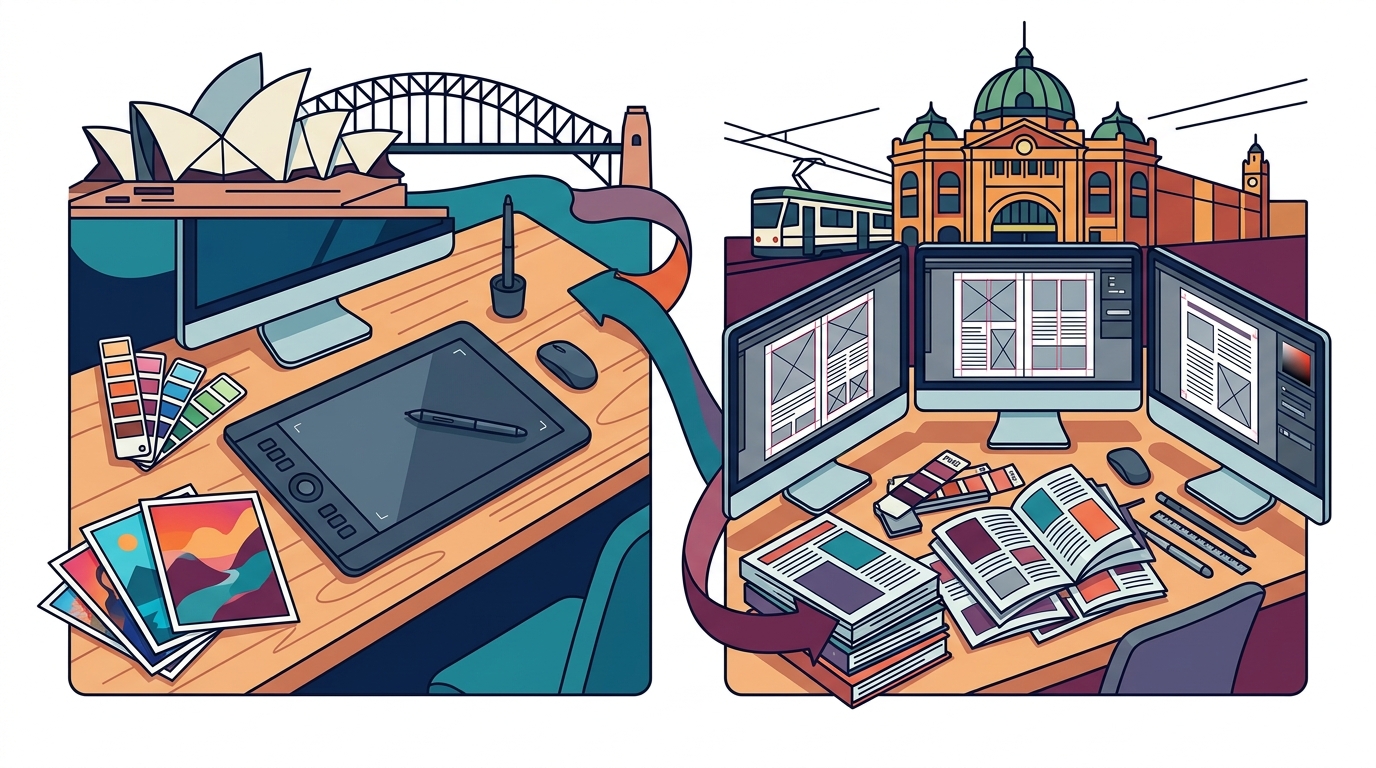
For professionals in Sydney and Melbourne, the physical location of the training center can significantly impact the learning experience. In-person training allows for immediate feedback and networking opportunities with peers. Dynamic Web Training has established strong presences in both key cities.
In Sydney, the training facility is located at Level 11, 32 Walker Street, North Sydney. This central location is easily accessible for professionals working in the CBD. The fully set-up computer labs mean you do not need to bring your own laptop, eliminating technical setup issues on the day of training.
In Melbourne, the facility is situated at Level 12, 379 Collins Street. This prime location offers convenience for Melbourne-based creatives. Both locations provide a professional environment conducive to focused learning. For those outside these cities, online live formats are also available, ensuring accessibility across Australia.
Course Flexibility and Re-sit Policies
Mastering Adobe software often requires more than a single day of training. The complexity of tools like Photoshop demands reinforcement over time. A critical criterion for choosing a provider is their support policy after the course concludes.
Dynamic Web Training offers a free re-sit option up to 8 months after the initial course. This policy allows participants to reinforce their learning and revisit complex topics without additional cost. This flexibility is crucial for professionals who may need to apply their skills gradually in the workplace.
Additionally, free email support is provided to maximize learning potential. This ongoing assistance ensures that questions arising during practical application are addressed promptly. Such support structures demonstrate a provider's commitment to long-term student success rather than just immediate enrollment.
Comparison of Training Approaches
Understanding the differences between various training formats helps in making an informed decision. The table below summarizes the key distinctions between instructor-led classroom training and other common learning methods.
| Training Method | Interaction Level | Flexibility | Best For |
|---|---|---|---|
| Instructor-Led Classroom | High (Real-time Q&A) | Fixed Schedule | Deep skill acquisition and networking |
| Online Live Training | Medium (Virtual Q&A) | High (Remote Access) | Geographic flexibility and convenience |
| Self-Paced Video | Low (No Interaction) | Very High | Basic familiarity and quick reference |
| Corporate In-House | Very High (Customized) | Customizable | Team-specific workflow alignment |
While self-paced videos offer convenience, they lack the immediate correction and personalized feedback that instructor-led training provides. For complex tasks in InDesign, such as creating interactive PDFs or managing long-document layouts, the guidance of an expert is indispensable.
Key Takeaways
- Dynamic Web Training has been delivering quality training since 2000, establishing a long-standing reputation in the Australian market.
- The provider holds an average student satisfaction rating of 4.83 out of 5, based on extensive course reviews.
- Over 66,906 course reviews highlight the consistent quality and effectiveness of their training programs.
- 97.52% of students recommend Dynamic Web Training to others, indicating high levels of trust and satisfaction.
- The company is trusted by 12,000+ small and large businesses and entrepreneurs across Australia.
- Training locations are strategically placed in North Sydney and Melbourne CBD for maximum accessibility.
- The Instruct-Demonstrate-Challenge methodology ensures practical, hands-on learning outcomes for all participants.
Frequently Asked Questions
What is the difference between Photoshop and InDesign training?
Adobe Photoshop is primarily used for raster graphics, photo editing, and digital painting. In contrast, Adobe InDesign is a desktop publishing application used for creating layouts for print and digital media, such as brochures, magazines, and eBooks. The training focuses on the specific workflows and tools unique to each application.
Do I need to bring my own laptop to the training?
No, Dynamic Web Training provides fully set-up computer labs. All necessary software is pre-installed and configured for the course. This ensures that every participant has a consistent environment and eliminates technical setup issues.
Can I retake the course if I do not feel confident?
Yes, Dynamic Web Training offers a free re-sit option up to 8 months after your initial course. This allows you to reinforce your learning and revisit complex topics at no additional cost.
Are the instructors certified Adobe experts?
Yes, the trainers are certified experts with real-world industry experience. They bring practical knowledge and professional workflows into the classroom, ensuring you learn industry-standard practices.
Is online training available for Sydney and Melbourne residents?
Yes, all courses can be facilitated in an online live format. This option provides the same interactive experience as classroom training but allows you to learn from anywhere.
What is the Instruct-Demonstrate-Challenge method?
It is a proven training methodology where trainers first explain the theory, then demonstrate the task, and finally challenge participants to perform the task themselves. This ensures a comprehensive understanding of the software features.
How does Dynamic Web Training support students after the course?
The provider offers free email support to maximize learning potential. This ongoing assistance helps students address questions that arise during their practical application of the skills learned.
Book Your Training Today
Investing in high-quality Adobe training is a strategic move for your career. Whether you are looking to master Photoshop for digital design or InDesign for print layout, Dynamic Web Training offers the expertise and support you need. With locations in Sydney and Melbourne, and flexible online options, you can access world-class training that fits your schedule.
Take the next step in your professional development. Book your course today and join thousands of satisfied students who have transformed their skills with Dynamic Web Training. For more information on our training packages, visit our dedicated page.