

Choosing a Professional Software Training Center: 7 Critical Vetting Criteria
Investing in corporate or personal software education is a significant financial commitment that demands rigorous due diligence. According to recent industry analyses, organizations that prioritize high-quality, instructor-led training see a 218% higher income per employee compared to those relying solely on self-paced digital content. This statistic highlights the tangible return on investment when learners engage with expert guidance. However, not all training providers deliver equal value. The difference between a wasted budget and a transformative learning experience often lies in the specific operational standards of the center you choose. (About Us Dynamic web)
The Training Methodology: Beyond Passive Observation
When evaluating a software training center, the first and most critical factor is their pedagogical approach. Many providers offer passive video lectures, but effective skill acquisition requires active engagement. A professional center must employ a structured learning framework that forces interaction with the software tools.
The gold standard in professional software training is the Instruct, Demonstrate, Challenge methodology. This three-part process ensures that theoretical knowledge is immediately translated into practical skill.
1. Instruct: Theoretical Foundation
Before touching the keyboard, learners must understand the 'why' behind the 'how'. Trainers must provide a clear theoretical understanding of software features and training tasks. This phase establishes the mental model required to navigate complex interfaces like Microsoft Excel or Adobe Creative Cloud.
2. Demonstrate: Visualizing the Outcome
Next, the instructor demonstrates the training task. This allows participants to see exactly how tasks are performed and what the expected outcomes look like. Visual confirmation reduces cognitive load and helps learners anticipate the steps required to achieve their goals.
3. Challenge: Active Application
Finally, participants combine theory and practice to perform the training task themselves. This is the most crucial phase. Without this 'challenge' component, learners retain only a fraction of the information. Hands-on practice is non-negotiable for mastering professional software.
For more details on how this methodology applies to specific tools, explore our comprehensive course catalog.
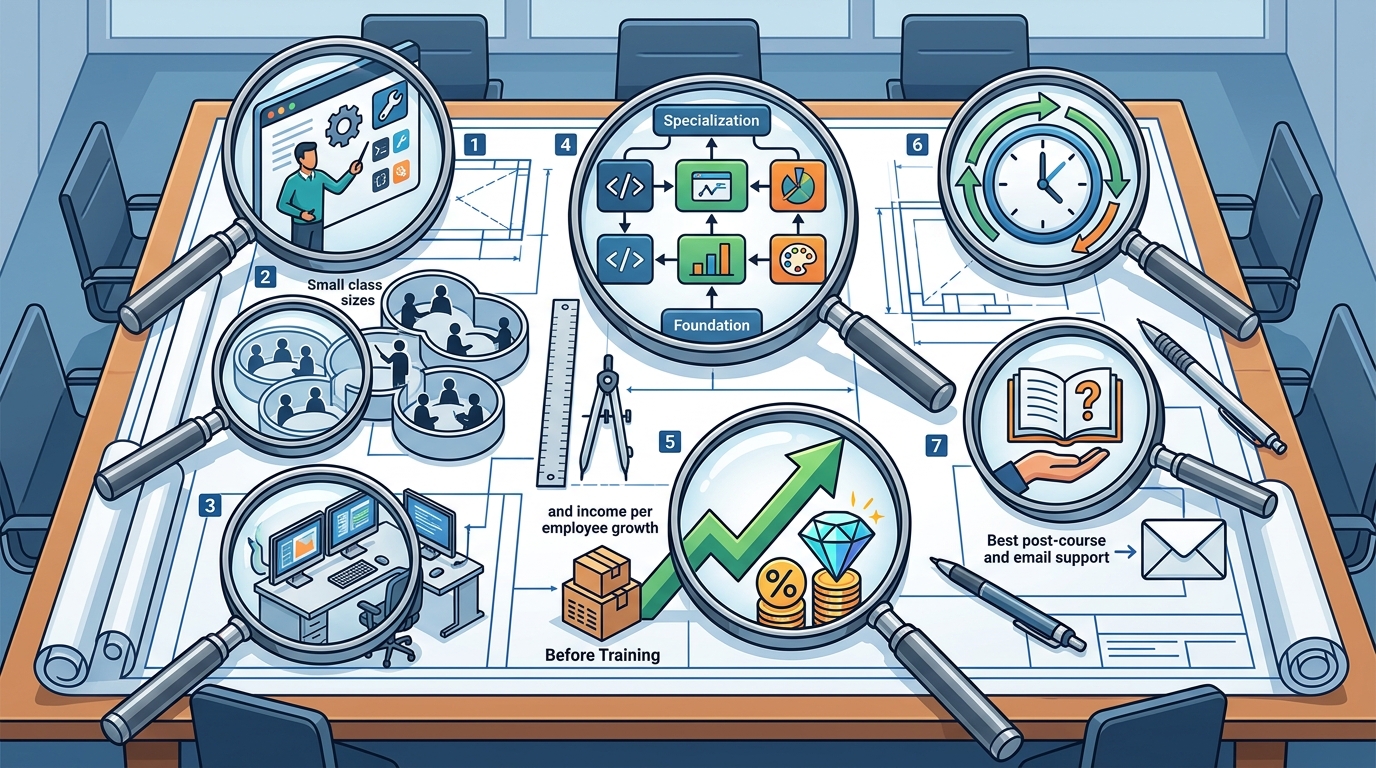
Instructor Credentials and Real-World Experience
The quality of your training is directly proportional to the expertise of your instructor. A professional software training center must employ certified expert trainers who possess real-world experience. Academic knowledge alone is insufficient for teaching enterprise-level software.
Look for centers where instructors are not just certified, but actively use the software in professional environments. This ensures that the techniques taught are current, efficient, and aligned with industry best practices. For instance, a trainer teaching Excel should be adept at advanced data modeling, not just basic formatting.
Dynamic Web Training has been delivering quality training since 2000, leveraging the experience of Australia's most seasoned instructors. This longevity is a strong indicator of institutional stability and pedagogical refinement.
Infrastructure: Labs, Software, and Hardware
Software training requires a robust technical environment. A professional center must provide fully set-up computer labs where learners do not need to bring their own laptops. This eliminates technical friction and ensures that every student has access to the exact software versions and configurations required for the course.
Key infrastructure requirements include:
- Pre-installed Software: All necessary applications, such as Microsoft Office, Adobe Creative Suite, or Xero, must be installed and licensed.
- Hardware Reliability: Computers must be powerful enough to handle resource-intensive tasks like video editing in Adobe Premiere or data analysis in Power BI.
- Network Stability: High-speed internet is essential for cloud-based applications and real-time collaboration tools.
If you are considering remote or hybrid options, ensure the provider offers seamless digital lab access. However, for maximum immersion, physical labs remain the superior choice for complex software mastery.
Post-Training Support and Re-sit Policies
Learning does not end when the classroom session concludes. Professional software training centers must offer robust post-course support to reinforce learning and address lingering questions.
Free Email Support
Access to free email support is a critical differentiator. This allows learners to seek clarification on specific functions or troubleshoot issues that arise in their workplace immediately after training. This support maximizes learning potential by preventing knowledge decay.
Re-sit Policies
A generous re-sit policy is another hallmark of a confident and student-centric training provider. Look for centers that offer free re-sits for up to 8 months. This policy acknowledges that mastering complex software takes time and provides a safety net for learners who need additional reinforcement.
Dynamic Web Training offers free re-sits up to 8 months, ensuring that your investment in learning is protected and your skills are fully consolidated.
Curriculum Depth and Specialization
The breadth and depth of the curriculum are vital considerations. A professional training center should offer specialized courses that go beyond basic functionality. This includes advanced modules for tools like Power BI, ChatGPT, and Xero.
Additionally, the center should offer training packages that combine related courses for a discounted price. This is ideal for staff who need deep knowledge in a particular skill or software application. Training packages allow you to consolidate your training needs and optimize your investment in learning and development.
Explore our training packages to see how you can save on comprehensive learning paths.
Class Size and Individual Attention
The learning environment significantly impacts the quality of instruction. Small class sizes are essential for ensuring individual attention. In large groups, instructors cannot provide the one-on-one assistance that is often required to overcome specific learning hurdles.
Professional centers prioritize small class sizes to maintain a high instructor-to-student ratio. This ensures that every participant receives the guidance they need to succeed. It also fosters a collaborative environment where learners can share insights and best practices.
For more information on our class sizes and learning environment, visit our training facilities page.
Comparing Training Providers: Key Metrics
To make an informed decision, compare training providers across several key metrics. The table below outlines the critical factors to consider when evaluating software training centers.
| Criteria | Why It Matters | What to Look For |
|---|---|---|
| Methodology | Ensures active learning and skill retention. | Instruct, Demonstrate, Challenge framework. |
| Instructor Expertise | Guarantees accurate and practical instruction. | Certified trainers with real-world experience. |
| Infrastructure | Eliminates technical barriers to learning. | Fully set-up computer labs with pre-installed software. |
| Support | Reinforces learning and addresses post-course issues. | Free email support and generous re-sit policies. |
| Curriculum | Provides depth and specialization in key tools. | Advanced courses and bundled training packages. |
| Class Size | Ensures individual attention and personalized feedback. | Small class sizes with high instructor-to-student ratio. |
For a deeper dive into the importance of structured learning, refer to this SHRM guide on training effectiveness.
Key Takeaways
- Methodology Matters: Prioritize centers that use the Instruct, Demonstrate, Challenge framework for active learning.
- Expert Instructors: Ensure trainers have certified credentials and real-world industry experience.
- Robust Infrastructure: Choose providers with fully set-up computer labs to avoid technical distractions.
- Post-Course Support: Look for free email support and re-sit policies of up to 8 months.
- Specialized Curriculum: Opt for centers offering advanced courses and bundled training packages.
- Small Class Sizes: Ensure individual attention through small class sizes and high instructor ratios.
- Proven Track Record: Select providers with a long history of delivering quality training, such as Dynamic Web Training since 2000.
Frequently Asked Questions
What is the most important factor in choosing a software training center?
The most important factor is the training methodology. Centers that use active learning frameworks like Instruct, Demonstrate, Challenge ensure that learners actually retain and apply their skills.
Why is instructor experience critical in software training?
Instructor experience ensures that the training is practical and aligned with industry best practices. Certified trainers with real-world experience can provide insights that go beyond basic software functionality.
What should I look for in post-training support?
Look for free email support and generous re-sit policies. These features provide ongoing assistance and allow you to reinforce your learning without additional cost.
How do class sizes impact learning outcomes?
Smaller class sizes allow for individual attention and personalized feedback. This ensures that each learner receives the support they need to overcome specific challenges.
Are training packages worth the investment?
Yes, training packages offer significant cost savings and provide a structured learning path. They are ideal for staff who need deep knowledge in specific software applications.
What is the difference between instructor-led and self-paced training?
Instructor-led training provides real-time feedback, structured learning, and hands-on practice. Self-paced training offers flexibility but lacks the interactive elements that drive skill acquisition.
How can I verify a training center's reputation?
Check student reviews, ratings, and testimonials. Look for centers with high satisfaction scores and a long history of delivering quality training.
Next Steps for Your Training Journey
Choosing the right professional software training center is a decision that will impact your career or your organization's success for years to come. By prioritizing methodology, instructor expertise, infrastructure, and support, you can ensure a high return on your training investment.
Dynamic Web Training offers Australia's best instructor-led classroom training experience. With certified expert trainers, free email support, and a proven training methodology, we are the ideal partner for your learning needs.
Contact our friendly client services team today to discuss your specific training requirements and book your course.