

Adobe Training Comparison: Illustrator, Photoshop, InDesign & Acrobat
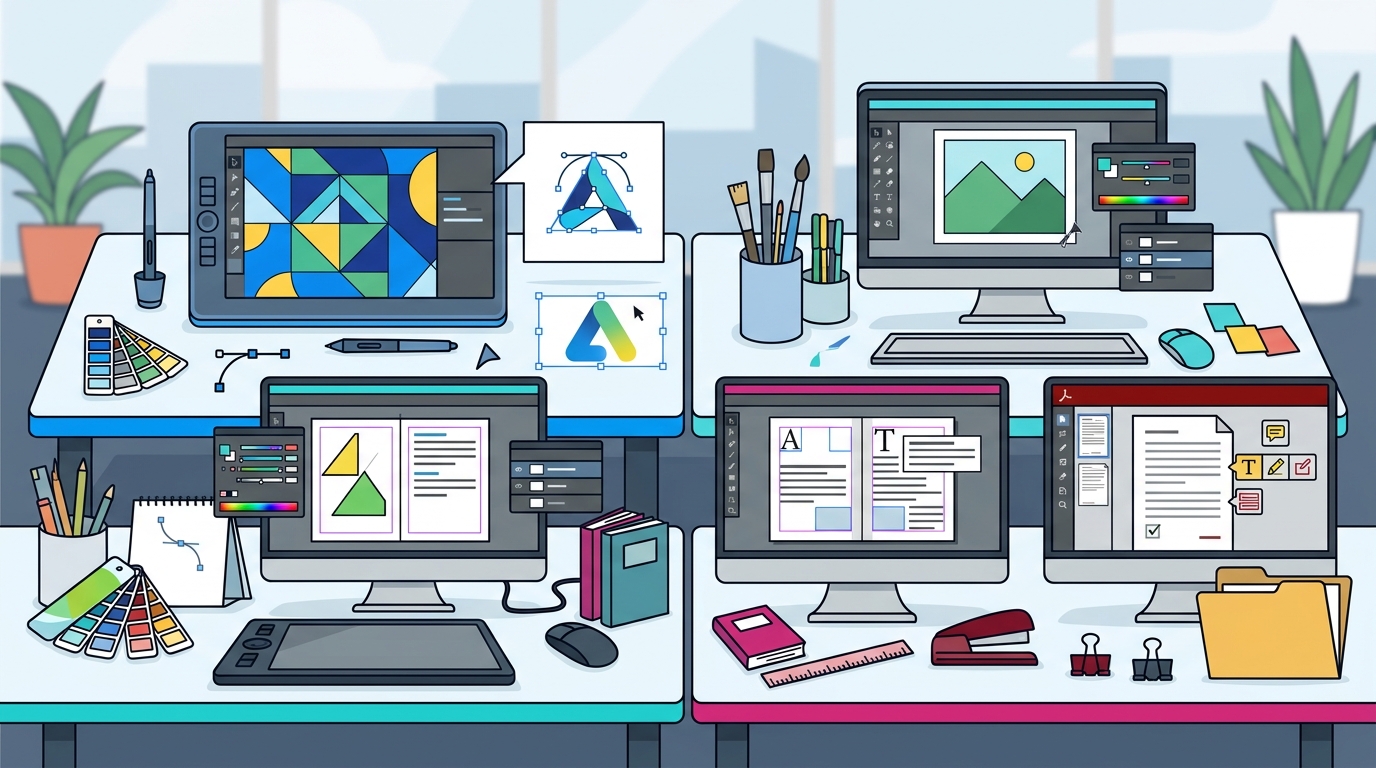
Adobe software dominates the global creative industry, with over 30 million users relying on its ecosystem for professional design, publishing, and document management. According to recent market analysis, the creative cloud sector continues to see double-digit growth as businesses prioritize high-fidelity visual content. This article compares the core Adobe applications to help you determine which training path aligns with your professional goals.
Understanding the Adobe Ecosystem
Adobe Creative Cloud is not a single application but a suite of specialized tools. Each application serves a distinct purpose in the creative workflow. Dynamic Web Training has been a leader in instructor-led software training since 2000, helping thousands of professionals master these complex tools. The platform is trusted by over 12,000 small and large businesses across Australia for its practical, hands-on approach.
Choosing the right course depends on your specific role. Are you a graphic designer needing to create logos? A marketer preparing social media assets? Or a business professional managing contracts? Understanding the core function of each tool is the first step in selecting the correct training path.
Photoshop vs. Illustrator: Raster vs. Vector
The most common point of confusion for beginners is the difference between Adobe Photoshop and Adobe Illustrator. While both are essential for creative professionals, they operate on fundamentally different technical principles.
Adobe Photoshop: Raster Graphics
Adobe Photoshop is the industry standard for raster-based image editing. Photoshop is a pixel-based application used primarily for photo retouching, digital painting, and web graphics. Because it relies on pixels, images can lose quality when scaled up beyond their original resolution. This makes it ideal for photography and detailed visual effects but less suitable for large-format printing where clarity is paramount.
Our Photoshop training courses focus on layer management, masking techniques, and color correction. Students learn to manipulate existing images rather than create them from scratch.
Adobe Illustrator: Vector Graphics
Adobe Illustrator is the premier tool for vector graphics. Illustrator is a vector-based application that uses mathematical equations to define shapes, allowing for infinite scalability without loss of quality. This makes it the absolute requirement for logo design, typography, and print materials that need to be resized frequently.
Our Illustrator training courses cover the Pen tool, path operations, and color management. The focus is on creating clean, scalable artwork that remains crisp at any size.
InDesign for Professional Publishing
While Photoshop and Illustrator handle individual assets, Adobe InDesign is designed to bring them together. Adobe InDesign is a page layout application used for creating multi-page documents such as brochures, magazines, posters, and eBooks.
InDesign excels at managing text flow, master pages, and pre-press settings. It allows designers to link images created in Photoshop or Illustrator and adjust their resolution and placement dynamically. This integration is critical for professional publishing workflows.
Our InDesign training courses teach students how to manage complex layouts, use styles for consistency, and export files for both digital and print production. This course is essential for anyone involved in editorial design or marketing collateral.
Acrobat for Document Management
Not all Adobe training is strictly about creative design. Adobe Acrobat plays a crucial role in business operations. Adobe Acrobat is a software suite used for creating, viewing, editing, and managing PDF documents. It is the standard for secure document exchange and digital signatures.
For business professionals, mastering Acrobat is often more immediately valuable than learning advanced design tools. It enables users to combine files, redact sensitive information, and collect electronic signatures legally and efficiently.
Our Acrobat training courses focus on practical document workflows. Students learn to optimize PDFs for web, create fillable forms, and collaborate on documents in real-time. This skill set is highly transferable across all industries, from finance to healthcare.
Training Packages and Methodology
Dynamic Web Training offers a structured approach to learning these tools. We utilize a proven methodology known as Instruct, Demonstrate, Challenge. This three-part process ensures that participants not only understand the theory but can also apply it practically.
Hands-On Learning
All courses are delivered in fully set-up computer labs. Participants do not need to bring their own laptops. This ensures that every student has the same software environment and can follow along with the instructor in real-time. Our training packages allow you to combine multiple courses for a discounted price, making it cost-effective to learn an entire suite of tools.
Expert Trainers
Our instructors are certified experts with real-world industry experience. They provide one-on-one assistance throughout the session. With a 4.83 student satisfaction rating and over 66,875 course reviews, our track record speaks to the quality of our instruction. We also offer free email support and the option to re-sit a course within eight months to reinforce your learning.
Key Takeaways
- Photoshop is for pixel-based image editing and photo retouching.
- Illustrator is for vector-based logo design and scalable graphics.
- InDesign is for multi-page layout and professional publishing.
- Acrobat is for PDF creation, editing, and document management.
- Dynamic Web Training has been providing expert software training since 2000.
- Our training methodology includes Instruct, Demonstrate, and Challenge phases.
- Training packages are available for discounted, multi-course learning.
Frequently Asked Questions
Which Adobe course should I start with?
If you are new to design, start with Illustrator to understand vector graphics, or Photoshop to understand image editing. For business users, Acrobat is often the most practical starting point.
Do I need to bring my own laptop to the training?
No, Dynamic Web Training provides fully set-up computer labs with all necessary software installed. You can focus entirely on learning.
Can I take multiple courses in one package?
Yes, our training packages allow you to combine courses like Photoshop and Illustrator for a discounted price. You can also space out the courses to apply your learning in the workplace.
Is the training available online?
Yes, many of our courses are facilitated in an online live format, providing the same interactive experience as our classroom sessions in Sydney, Melbourne, and other locations.
What is the difference between raster and vector graphics?
Raster graphics (Photoshop) are made of pixels and can lose quality when scaled. Vector graphics (Illustrator) are made of mathematical paths and can be scaled infinitely without losing quality.
Do you offer corporate training?
Yes, we work with corporate groups in the workplace to develop customized training solutions for small and large businesses across Australia.
How long is the certificate valid?
You receive a Certificate of Completion upon finishing the course. While the certificate itself does not expire, we recommend staying updated with software updates through our free re-sit option within eight months.
Book Your Training
Investing in Adobe training is an investment in your professional capability. Whether you need to master Photoshop, Illustrator, InDesign, or Acrobat, Dynamic Web Training provides the expertise you need. Contact our friendly client services team on 1300 888 724 or visit our contact page to discuss your specific training requirements. Explore our training packages today to maximize your learning investment.