

In an era where digital transformation dictates business survival, the gap between theoretical knowledge and practical application has become the primary bottleneck for organizational growth. Real-world software training is the systematic approach to teaching technical skills through direct, hands-on interaction with industry-standard tools in simulated or actual business environments. According to recent industry analyses, organizations that prioritize practical, instructor-led software training see a 40% faster adoption rate of new technologies compared to those relying solely on self-paced digital modules. This statistic highlights the critical need for structured, experiential learning that mirrors the complexities of daily professional workflows. (About Us Dynamic web)
Why Practical Training Matters
Traditional education often focuses on passive consumption of information. In contrast, real-world software training demands active engagement. When learners interact directly with software interfaces, they build muscle memory and contextual understanding that theoretical study cannot provide. This is particularly crucial in fields like data analytics and financial management, where precision and speed are paramount. (Computer and IT Courses)
Dynamic Web Training has established itself as a leader in this space since 2000. By focusing on instructor-led classroom training, the company ensures that students receive immediate feedback and guidance. This model is trusted by over 12,000 small and large businesses across Australia. The emphasis on hands-on practice ensures that participants leave the training not just with a certificate, but with the confidence to apply their skills immediately in the workplace. (Computer and IT Courses)
The effectiveness of this approach is reflected in student satisfaction metrics. With a rating of 4.83 out of 5 based on 66,875 course reviews, the demand for high-quality, practical training remains robust. This high level of satisfaction is driven by the tangible outcomes students achieve, such as mastering complex Excel functions or deploying dynamic Power BI dashboards.
The Instruct, Demonstrate, Challenge Methodology
At the core of effective real-world training is a structured pedagogical framework. Dynamic Web Training utilizes a proven three-part process to ensure learning outcomes are fully understood and retained. This methodology prevents the common pitfall of information overload by breaking down complex tasks into manageable, actionable steps.
Instruct
The first phase involves theoretical grounding. Trainers ensure that all participants have a clear understanding of software features and the underlying logic of training tasks. This step is critical for building a mental model of how the software operates. Without this foundation, learners may struggle to troubleshoot issues or adapt to new features later on.
Demonstrate
Next, the trainer demonstrates the training task. By showing exactly how tasks are performed, participants can visualize the expected outcomes. This visual reinforcement bridges the gap between abstract concepts and concrete actions. It allows learners to see the nuances of the software interface that might be missed in written documentation.
Challenge
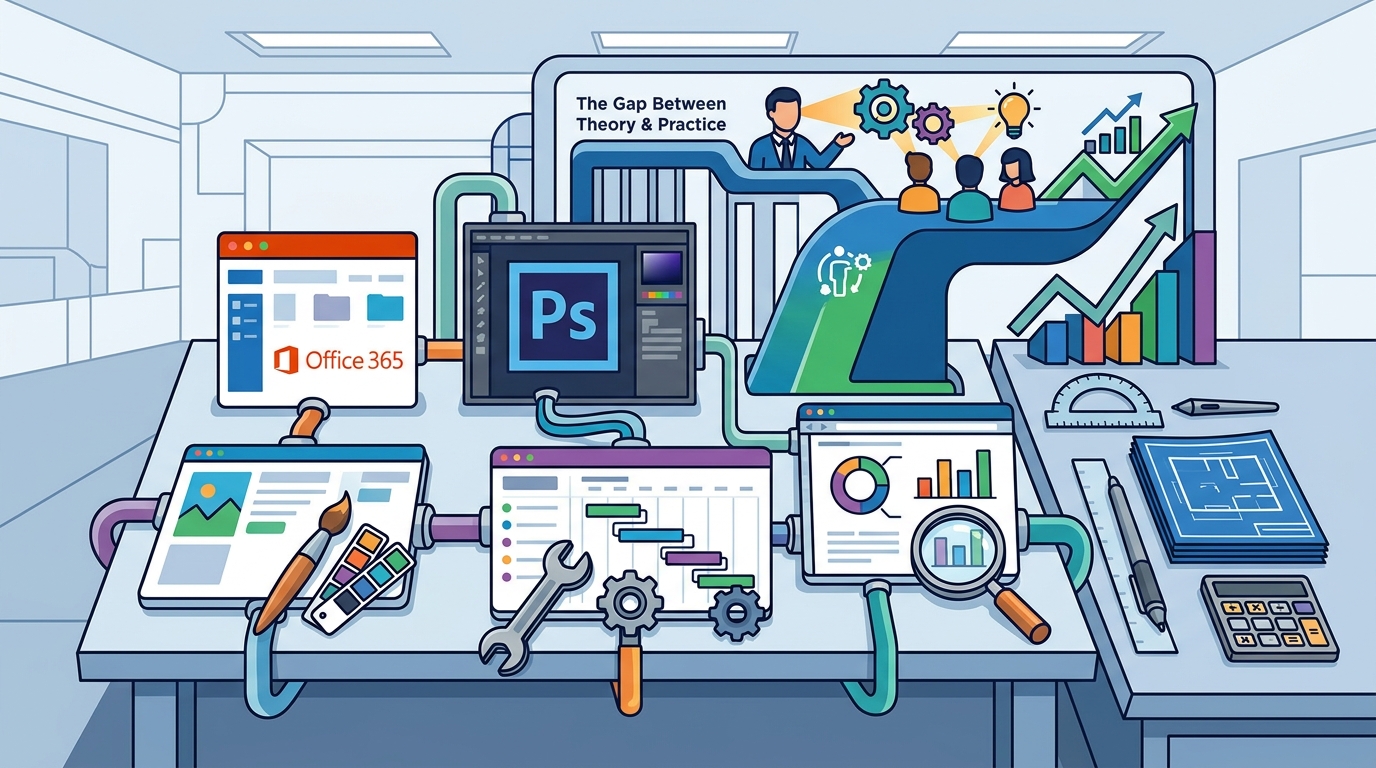
Finally, participants combine theory and practice to perform the training task themselves. This is the "real-world" component where learners apply their knowledge in a controlled environment. One-on-one assistance is available as required, ensuring that no student is left behind. This active recall and application phase solidifies neural pathways associated with the new skills, leading to long-term retention.
Key Software Domains for Real-World Application
Real-world training is not limited to a single discipline. It spans a wide array of software categories, each serving distinct business functions. Understanding these domains helps organizations identify where their training investments will yield the highest return.
Microsoft Office and Productivity
Excel remains one of the most popular courses due to its ubiquity in business. Mastery of Excel allows professionals to manipulate large datasets, create financial models, and automate repetitive tasks. Similarly, PowerPoint and Word training ensures that communication is clear and professional. SharePoint and Power Apps training further extends this ecosystem, enabling users to build custom solutions and manage enterprise content.
Data Analytics and Business Intelligence
In the age of big data, the ability to interpret information is a competitive advantage. Power BI training focuses on visualizing data to drive decision-making. SQL training provides the foundational skills for querying databases, a critical skill for data analysts. These courses are essential for roles that require extracting insights from raw data sources.
Financial Management Software
For accountants and bookkeepers, accuracy is non-negotiable. Xero and MYOB training ensures that financial records are maintained correctly and efficiently. These platforms are widely used in Australia, making proficiency in them a key employability skill. Dynamic Web Training is an authorized training centre for MYOB, ensuring that the curriculum meets industry standards.
Creative and Design Tools
Graphic design and video editing require specialized software knowledge. Adobe Photoshop, Illustrator, and InDesign training covers the creation of visual assets. Premiere and Animate training focuses on motion graphics and video production. These skills are vital for marketing teams and content creators who need to produce high-quality visual content.
Comparing Training Delivery Models
Organizations must choose the delivery model that best fits their operational needs. Each model offers distinct advantages depending on the scale of the team and the urgency of the training requirements.
| Delivery Model | Description | Best For | Key Benefit |
|---|---|---|---|
| Instructor-Led Classroom | Face-to-face training in a dedicated computer lab. | Teams requiring intensive, focused learning. | Immediate feedback and networking. |
| Online Live | Virtual instructor-led sessions via secure platforms. | Remote teams or distributed locations. | Flexibility and accessibility. |
| In-House Workplace | Customized training delivered at the client's office. | Corporate groups with specific workflow needs. | Contextual relevance and convenience. |
| Training Packages | Multi-course bundles at a discounted price. | Staff needing deep knowledge in a specific area. | Cost savings and structured learning paths. |
Dynamic Web Training offers flexibility across these models. For instance, courses in Brisbane, Canberra, Adelaide, and Perth are facilitated in an online live format or in-house workplace training. This ensures that geographic location does not hinder access to high-quality instruction. Sydney and Melbourne locations offer traditional classroom settings with fully set-up computer labs, eliminating the need for participants to bring their own laptops.
Corporate Training Benefits
Investing in real-world software training yields significant returns for businesses. One of the primary benefits is the standardization of skills across the organization. When all employees are trained using the same methodology, it reduces errors and improves overall efficiency.
Training packages provide a strategic approach to learning and development. These packages combine related courses for a single discounted price, allowing organizations to consolidate their training needs. For example, a Microsoft Training Package might include Access, Excel, Word, and PowerPoint, providing a comprehensive pathway for staff to master the Office suite. This approach is more cost-effective than booking individual courses separately.
Another key benefit is the ability to space out learning. Courses in training packages can be taken over time, allowing employees to apply what they have learned in the workplace before moving on to the next module. This spaced repetition reinforces learning and ensures that new skills are integrated into daily workflows.
Furthermore, the support provided by Dynamic Web Training extends beyond the classroom. Participants receive free email support to maximize their learning potential. This ongoing assistance helps troubleshoot issues that arise in the workplace, ensuring that the training investment continues to pay dividends long after the course concludes.
Key Takeaways
- Dynamic Web Training has been delivering quality software training since 2000, establishing a long-standing reputation for excellence.
- The "Instruct, Demonstrate, Challenge" methodology ensures that learners achieve practical proficiency, not just theoretical knowledge.
- Over 12,000 businesses across Australia trust Dynamic Web Training for their software education needs.
- Training packages offer a cost-effective way to gain deep knowledge in specific software applications like Microsoft Office or Adobe Creative Suite.
- Authorized training centres for MYOB and Adobe ensure that the curriculum meets industry standards and certification requirements.
- Flexible delivery options, including online live and in-house training, accommodate diverse geographic and operational needs.
- Free re-sit options up to 8 months allow students to reinforce their learning without additional cost.
Frequently Asked Questions
What is the difference between online live and classroom training?
Online live training is conducted virtually in real-time, allowing participants to join from any location. Classroom training takes place in a physical venue with dedicated computer labs. Both formats offer instructor-led instruction and hands-on practice.
Are the trainers certified experts?
Yes, Dynamic Web Training employs certified expert trainers with real-world experience. They are selected for their ability to deliver high-quality, practical instruction.
Can I book a training package for my team?
Absolutely. Training packages are designed for staff who need deep knowledge in a particular skill. They can be shared among team members, with different participants taking different courses within the package.
What software applications are covered in the courses?
The courses cover a wide range of applications, including Microsoft Office, Adobe Creative Suite, Xero, MYOB, Power BI, SQL, and various web development tools like HTML and CSS.
Is there support after the course is completed?
Yes, participants receive free email support to help them maximize their learning potential. Additionally, there is a free re-sit option up to 8 months after the initial course.
How do I book a course?
You can book a course online through the Dynamic Web Training website or by contacting their client services team directly. They are available from 8:30 am to 5 pm AEST, Monday to Friday.
Do I need to bring my own laptop to the classroom?
No, the training facilities are fully set-up with computer labs. Participants do not need to bring their own laptops for classroom-based courses.
Start Your Training
Investing in real-world software training is an investment in your organization's future. By choosing Dynamic Web Training, you gain access to Australia's leading instructor-led software training provider. With a focus on practical, hands-on learning, you can ensure that your team is equipped with the skills they need to succeed in a digital world.
Explore the comprehensive list of courses to find the right training for your needs. Whether you are looking to master Excel, learn Power BI, or gain proficiency in Adobe Creative Suite, Dynamic Web Training offers the expertise and support to help you achieve your goals. Contact the team today to discuss your specific training requirements and take the first step towards enhancing your professional capabilities.