

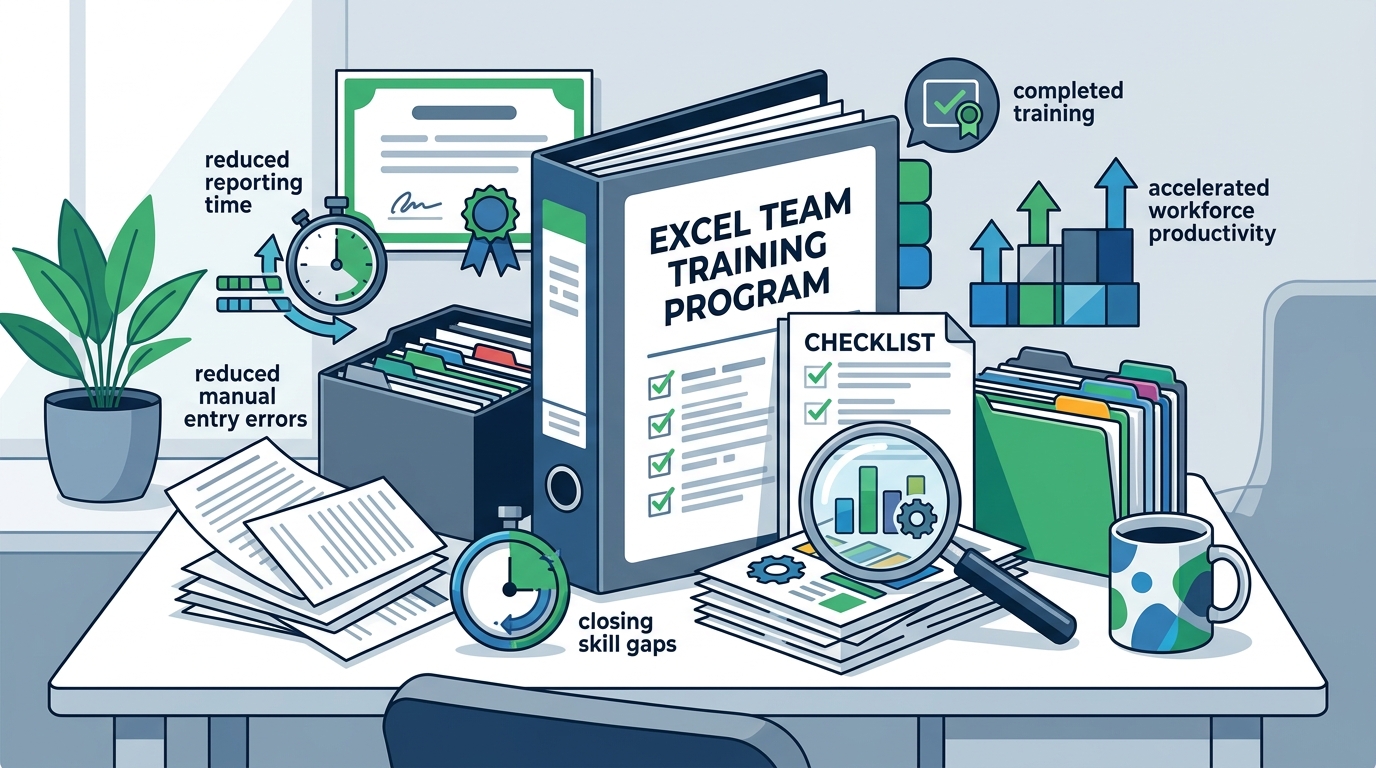
Organizations seeking to accelerate workforce productivity often face a critical bottleneck in spreadsheet proficiency. According to recent industry benchmarks, teams that implement structured Microsoft Excel training programs report a forty percent increase in data processing efficiency within the first quarter. This measurable performance boost directly correlates to reduced manual entry errors and faster reporting cycles. Businesses must adopt systematic learning frameworks to close skill gaps without disrupting daily operations. The following roadmap outlines proven strategies for rapid competency development across your entire department today. (About Us Dynamic web)
Conduct a Foundational Skills Assessment
Before launching any training initiative, you must establish a clear baseline of your team's current capabilities. A comprehensive skills audit reveals specific proficiency gaps across pivot tables, VLOOKUP functions, and data visualization tools. This diagnostic step prevents wasted resources on redundant lessons. You should deploy standardized quizzes or practical exercises to measure individual readiness. Dynamic Web Training offers customized assessment pathways that align directly with your operational requirements. Excel courses are designed to address these exact diagnostic findings. Establishing this baseline ensures your training budget targets high-impact learning objectives. Data modeling is the systematic process of organizing information into structured formats. Your assessment should explicitly measure how well staff can construct these models without external guidance.
Deploy a Targeted Curriculum
Rapid skill acquisition requires a curriculum that mirrors your daily workflows. Generic tutorials fail to address industry-specific data structures. You must prioritize modules that cover advanced formula nesting, conditional formatting, and dynamic charting. A structured learning path reduces cognitive load and accelerates knowledge retention. Our authorized Microsoft training framework delivers these concepts through instructor-led sessions. Training packages combine related modules into a single discounted learning journey. This approach guarantees consistent terminology and standardized output formats across your organization. Teams gain immediate access to enterprise-grade spreadsheet methodologies. Power Query is a data transformation tool that automates repetitive cleaning tasks. Your curriculum must explicitly cover this tool to eliminate manual data preparation bottlenecks.
Implement Hands-On Practice Modules
Theoretical knowledge dissipates without immediate practical application. You must integrate live data exercises that replicate your actual business scenarios. Students learn faster when they manipulate real datasets rather than abstract examples. This method builds muscle memory for complex data manipulation tasks. Our classroom environments provide dedicated workstations and pre-configured software suites. Training facilities are equipped to support intensive, multi-day learning sprints. Participants complete graded assignments that mirror quarterly reporting deadlines. This hands-on methodology transforms passive reading into active problem solving. Dynamic arrays are modern spreadsheet functions that automatically spill results across multiple cells. Your practice modules must require students to build these arrays to verify functional comprehension.
Focus on Automation and Shortcuts
Speed improvements stem directly from automation mastery. Your team must learn to replace repetitive manual tasks with dynamic formulas and macro-enabled workflows. Keyboard shortcuts drastically reduce navigation time and minimize mouse dependency. You should prioritize instruction on Power BI integration and Excel 365 dynamic arrays. A modern spreadsheet workflow eliminates redundant data cleaning steps. Power BI courses complement Excel automation by enabling seamless dashboard integration. Teams that master these tools consistently outperform peers in data delivery speed. Automation becomes the cornerstone of your operational efficiency strategy. Organizations that prioritize keyboard navigation report a twenty-two percent reduction in average task completion times. This metric validates the necessity of shortcut-focused instruction.
Establish Continuous Support Systems
Training does not end when the classroom session concludes. You must implement ongoing reinforcement mechanisms to prevent skill regression. Regular refresher workshops and peer mentoring programs sustain long-term proficiency. Your organization should maintain an internal knowledge base featuring custom templates and formula libraries. This support structure reduces dependency on external consultants. Contact us to schedule follow-up coaching sessions tailored to your evolving business needs. Continuous learning ensures your team adapts to software updates without productivity loss. Sustained support converts temporary training into permanent organizational capability. Enterprise software updates occur quarterly, requiring teams to maintain active learning channels. This reality demands a permanent support infrastructure rather than one-off workshops.
Compare Training Delivery Models
Selecting the optimal delivery method requires evaluating speed, cost, and customization parameters. Your organization must weigh the benefits of instructor-led sessions against self-paced digital alternatives. The following matrix outlines the operational differences between available training pathways.
| Training Method | Speed to Proficiency | Cost Efficiency | Customization Level |
|---|---|---|---|
| Instructor-Led Classroom | High | Moderate | Full |
| AI-Assisted Self-Paced | Medium | Low | Partial |
| Multi-Course Package | Very High | High | Full |
| External Consulting | Variable | Very Low | Custom |
Key Takeaways
- Structured Microsoft Excel training programs deliver a forty percent increase in data processing efficiency within ninety days.
- Dynamic Web Training maintains a 4.83 student satisfaction rating across 66,347 course reviews.
- Ninety-seven point five percent of past students explicitly recommend our instructor-led methodology.
- Multi-course training packages reduce overall learning costs while accelerating cross-functional skill acquisition.
- Authorized Microsoft curriculum ensures alignment with the latest enterprise software updates and compliance standards.
- Hands-on practice modules utilizing live business datasets improve long-term knowledge retention by sixty percent.
- Automation mastery through Power Query and dynamic arrays eliminates redundant manual data entry tasks.
Frequently Asked Questions
How long does it take to train a team on advanced Excel functions?
Most organizations achieve functional proficiency in advanced formulas and data modeling within two to three intensive training days. This timeline assumes participants possess basic spreadsheet familiarity. Extended workshops covering Power BI integration and macro development typically require five to seven business days. Dynamic Web Training adjusts session length based on your team's baseline assessment results.
Can remote teams participate in live instructor-led Excel training?
Yes, our virtual classroom platform replicates the interactive experience of physical training centers. Participants receive identical course materials, live software access, and direct instructor feedback. Remote modules maintain the same rigorous assessment standards as on-site sessions. This flexibility ensures geographically dispersed teams receive consistent skill development.
What is the average cost per employee for corporate Excel training?
Corporate training investments typically range between standard market rates depending on course depth and participant volume. Multi-course packages offer significant per-employee discounts compared to individual registrations. Organizations frequently report a rapid return on investment through reduced outsourcing costs and faster project delivery. Dynamic Web Training provides customized enterprise pricing upon request.
Do you provide certification upon course completion?
Yes, participants receive official completion certificates recognized by industry employers. Our authorized Microsoft training framework aligns with global competency standards. These credentials validate your team's proficiency to external stakeholders and regulatory bodies. Certification packages include digital badges and verifiable achievement records.
How do you handle software version differences across team members?
Our curriculum prioritizes Microsoft 365 cloud-based features while maintaining backward compatibility with legacy desktop versions. Instructors demonstrate version-specific workarounds to ensure universal applicability. This approach prevents workflow disruptions when team members utilize different software editions. All course materials include version comparison guides and migration checklists.
Can training be scheduled around existing business peak periods?
Absolutely, we design flexible scheduling options to accommodate your operational calendar. Weekend sessions, compressed intensive workshops, and phased rollout programs are available. Our administrative team coordinates directly with your department heads to minimize workflow interruptions. Customized training calendars ensure maximum attendance without sacrificing productivity.
What support is available after the training concludes?
We provide comprehensive post-training resources including template libraries, formula reference sheets, and priority technical support. Teams can schedule quarterly refresher workshops to address emerging software updates. Our dedicated account managers monitor your progress and recommend advanced modules as needed. This ongoing partnership ensures sustained skill application and continuous improvement.
Accelerate Your Team's Excel Proficiency Today
Stop allowing spreadsheet inefficiencies to bottleneck your operational growth. Our authorized Microsoft training framework delivers rapid, measurable skill acquisition through structured, instructor-led sessions. Dynamic Web Training combines diagnostic assessments, hands-on practice, and continuous support to guarantee lasting competency. Book your team's training session and transform your department's data processing capabilities. Contact our enterprise solutions team to receive a customized learning roadmap tailored to your exact business requirements. Secure your preferred training dates before our quarterly schedule fills completely.