

Common Mistakes in Live Online Xero Training and How to Avoid Them
Live online training has become the standard for professional development, yet many professionals struggle to translate virtual instruction into practical accounting skills. According to recent industry data, nearly 60% of remote learners report feeling disconnected from the material during the first week of a course. This disconnect often leads to poor retention of critical software features. When learning complex platforms like Xero, this gap can result in significant errors in financial reporting. Understanding these pitfalls is essential for maximizing your return on investment. (Training Packages Explained Dynamic)
Technical Setup and Connectivity Errors
The most immediate barrier to success in live online training is technical failure. Many participants assume that their home internet connection is sufficient for real-time screen sharing and software interaction. However, bandwidth fluctuations can cause audio dropouts or frozen screens during critical demonstrations. This disruption breaks the flow of instruction and forces learners to rely on fragmented notes rather than active observation. (Computer and IT Courses)
To avoid this, always conduct a pre-session connectivity test. Ensure your microphone and camera are functioning correctly before the instructor begins. A stable connection allows you to focus entirely on the Xero interface rather than troubleshooting your device. If you experience issues, use the chat function immediately to alert the support team. This proactive approach ensures minimal downtime and keeps you aligned with the class pace. (Adobe Acrobat Training Courses)
Another common technical mistake is using an outdated browser or operating system. Xero requires specific compatibility standards to function smoothly. Using an unsupported version can lead to rendering errors in the dashboard or banking feeds. Always verify your system requirements against the Dynamic Web Training guidelines before attending. This simple step prevents unnecessary frustration and ensures a seamless learning experience.
Passive Learning and Engagement Lapses
Live online training offers a unique advantage: real-time interaction. Yet, many learners treat the session like a recorded video, opting to watch passively. This passive approach significantly reduces knowledge retention. When you do not participate, you miss out on immediate clarifications and practical tips that instructors share during live demonstrations. Engagement is not just about listening; it is about doing.
Active participation involves asking questions as they arise. If a feature in Xero is unclear, do not wait until the end of the session. Instructors appreciate targeted queries that help clarify complex workflows. This interaction also signals to the trainer that you are invested in your learning outcome. Furthermore, engaging with peers in the chat can provide alternative perspectives on problem-solving.
Research indicates that active learners retain up to 70% more information than passive observers. By treating the live session as a workshop rather than a lecture, you maximize the value of your time. This mindset shift is crucial for mastering the nuances of accounting software. It transforms the training from a passive obligation into an active skill-building exercise.
Ignoring the Learning Environment
The home office is rarely a controlled learning environment. Background noise, family interruptions, and household chores can severely disrupt the concentration required for technical training. When your attention is divided, you may miss critical steps in a Xero workflow. This fragmentation leads to confusion and the need for excessive re-watching of session recordings.
Create a dedicated learning space for your training. This area should be free from distractions and equipped with the necessary tools. Inform household members of your schedule to minimize interruptions. A controlled environment allows you to maintain focus on the instructor’s demonstrations. It also helps you absorb the detailed nuances of financial data entry and reconciliation.
Additionally, ensure your workspace is ergonomically set up. Long hours of screen time can lead to fatigue, which impacts cognitive processing. Proper lighting and a comfortable chair can sustain your energy levels throughout the day. This physical preparation supports your mental readiness to tackle complex accounting tasks. A comfortable learner is an effective learner.
The Practice-Theory Gap
One of the most significant mistakes learners make is relying solely on theory. Watching an instructor navigate Xero is informative, but it does not build muscle memory. Without hands-on practice, the steps remain abstract and difficult to recall when working independently. This gap between observation and application is where most learning failures occur.
Dynamic Web Training emphasizes a proven methodology: Instruct, Demonstrate, Challenge. The "Challenge" phase is where you apply what you have learned. You must follow along with the instructor, performing each step in your own Xero sandbox. This active repetition reinforces neural pathways and builds confidence. It also allows you to identify your specific areas of confusion in real-time.
Do not skip the practice exercises. Even if you feel confident, attempting the tasks yourself reveals hidden complexities. For example, setting up a bank feed may seem simple, but the reconciliation process requires precision. By practicing these steps, you ensure that you can replicate them accurately in your actual business environment. This practical approach is the cornerstone of effective software training.
Misusing Post-Course Support
Training does not end when the session concludes. Many learners fail to utilize the post-course support resources provided by their training provider. This support often includes free email assistance, course manuals, and access to recorded sessions. Ignoring these resources limits your ability to resolve lingering questions and reinforces gaps in your knowledge.
Dynamic Web Training offers free email support to help you maximize your learning potential. Use this channel to ask specific questions about features you found challenging. Providing context in your query helps the support team give you targeted advice. This ongoing assistance bridges the gap between classroom learning and workplace application.
Additionally, review the course manual regularly. These documents serve as quick references for complex workflows. Having a physical or digital copy allows you to look up steps without interrupting your work flow. Utilizing these resources demonstrates a commitment to continuous improvement. It also ensures that you get the most value from your training investment.
Key Takeaways
- Technical Readiness: Always test your internet connection and browser compatibility before the session to prevent disruptions.
- Active Participation: Ask questions in real-time to clarify complex Xero workflows and enhance retention.
- Controlled Environment: Create a distraction-free workspace to maintain focus during live instruction.
- Hands-On Practice: Follow along with the instructor to build muscle memory and confidence in software navigation.
- Post-Course Support: Utilize free email support and course manuals to resolve lingering questions after training.
- System Requirements: Ensure your device meets the specific technical standards for Xero and training platforms.
- Proactive Communication: Report technical issues immediately via chat to minimize downtime and stay aligned with the class.
Frequently Asked Questions
What is the best way to prepare for live online Xero training?
Prepare by testing your technical setup, including your internet connection, microphone, and browser. Ensure you have a quiet, distraction-free environment and have downloaded any necessary course materials in advance.
How can I stay engaged during a virtual training session?
Stay engaged by actively participating in the chat, asking questions as they arise, and following along with the instructor’s steps in your own software environment. Treat the session as a workshop rather than a lecture.
What should I do if I experience technical issues during the training?
If you experience technical issues, use the chat function to alert the support team immediately. Do not wait for the instructor to notice, as this can cause you to miss critical parts of the lesson.
Is post-course support included in the training?
Yes, Dynamic Web Training provides free email support to help you maximize your learning potential. You can also access course manuals and recorded sessions for future reference.
Why is hands-on practice important in Xero training?
Hands-on practice builds muscle memory and confidence. Watching demonstrations is not enough; you must perform the tasks yourself to understand the nuances of financial data entry and reconciliation.
Can I take the training if I have a slow internet connection?
While it is possible, a slow connection can lead to disruptions. It is highly recommended to use a stable, high-speed connection to ensure you do not miss any part of the live instruction.
What is the "Instruct, Demonstrate, Challenge" methodology?
This methodology ensures comprehensive learning by first explaining concepts, then showing how to perform tasks, and finally requiring participants to perform the tasks themselves with guidance.
Book Your Xero Training
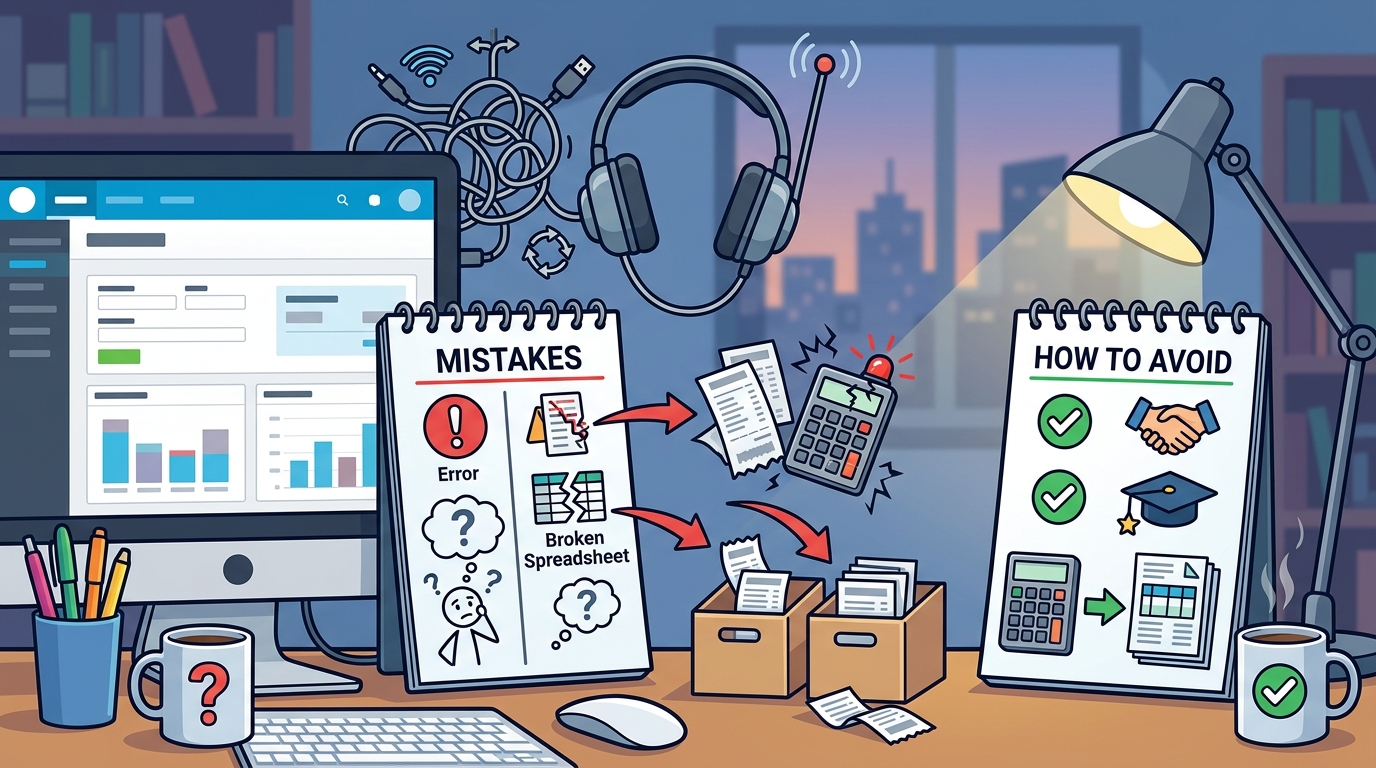
Avoiding these common mistakes can transform your learning experience from frustrating to empowering. By preparing technically, engaging actively, and utilizing support resources, you can master Xero with confidence. Dynamic Web Training offers expert-led courses designed to help you navigate these challenges effectively. Our certified trainers provide the guidance you need to succeed in your accounting career.
Ready to elevate your skills? Visit Dynamic Web Training to explore our comprehensive Xero training packages. Book your session today and start your journey toward accounting excellence.