

Choosing a professional software training center is one of the most important decisions you can make for your career or your team's productivity. With the global workplace training market reaching $401 billion in 2024, it is clear that organisations worldwide recognise the value of upskilling. But not all training providers deliver equal results. The difference between a great course and a wasted day often comes down to the training center itself. This guide walks you through the essential criteria so you can invest with confidence, whether you are an individual learner or an L&D manager booking for a team.
1. Experienced, Industry-Qualified Instructors
An instructor-led training course is only as good as the person leading it. Look for trainers who hold vendor certifications (such as Microsoft Certified Trainer status) and bring real-world workplace experience into the classroom. According to industry analysts, training centres with experienced instructors who combine academic expertise and practical knowledge consistently deliver better learning outcomes.
At Dynamic Web Training, every course is delivered by certified professionals with years of hands-on industry experience. Since 2000, DWT has maintained a team of expert trainers who work with corporate groups and develop customised training solutions for businesses of all sizes.
2. Hands-On Training Methodology
Hands-on training methodology is a teaching approach where participants practise using the actual software during the session, rather than passively watching slides. Research shows that employees learn 70% of their skills on the job, so practice-based learning is critical for retention.
The Instruct, Demonstrate, Challenge Model
The best training centres follow a structured pedagogical process. Dynamic Web Training uses a proven three-part method: first, trainers ensure participants have a theoretical understanding; next, they demonstrate the task so learners can see expected outcomes; finally, participants perform the task themselves, combining theory and practice. This approach is detailed on their software training services page.
Why It Matters for ROI
Companies that offer comprehensive training programs have 218% higher income per employee than those without formalised training, according to the Association for Talent Development. Hands-on practice is a key driver of that return.
3. Small Class Sizes and Personalised Attention
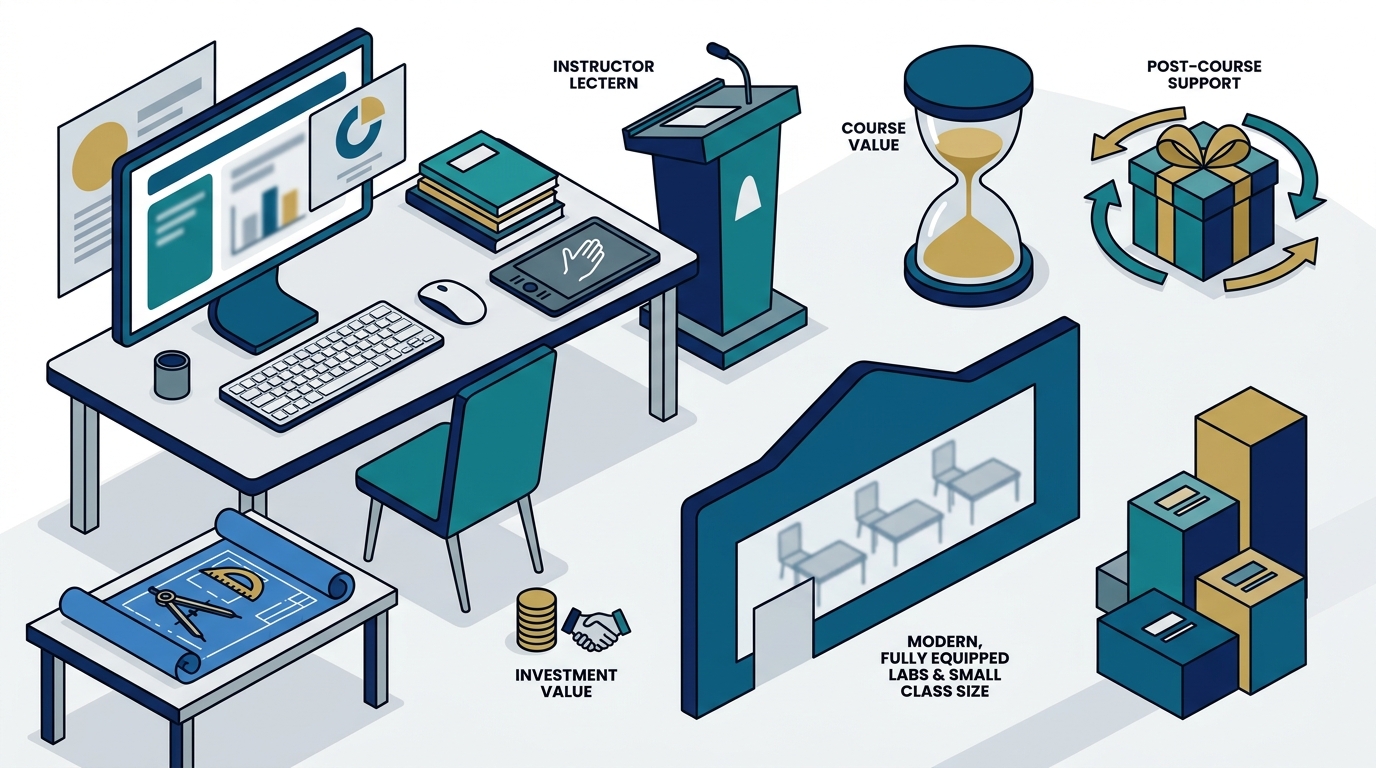
Small class size is the maximum number of participants allowed in a training session, typically kept low to ensure each learner receives individual guidance. A quality training center caps enrolment so instructors can address every participant's questions and adjust the pace in real time.
Dynamic Web Training maintains small class sizes across all of its scheduled courses, with average class sizes often around five participants. This personalised environment means no one gets left behind, regardless of their starting skill level.
| Criteria | What to Look For | Red Flag |
|---|---|---|
| Instructor Credentials | Vendor-certified with real-world experience | No listed qualifications or bios |
| Class Size | 10 or fewer participants | 20+ students per session |
| Training Method | Hands-on, practice-based exercises | Lecture-only or video playback |
| Facilities | Fully equipped computer labs | BYO device required for in-person |
| Post-Course Support | Free repeats, email support, course manuals | No follow-up after the session ends |
| Delivery Options | In-class, online live, and on-site | Single format only |
| Course Range | Beginner to advanced, multiple software | Limited to one or two applications |
4. Professional Facilities and Equipment
Training should never be compromised by inadequate venues. A professional software training center provides state-of-the-art computer labs pre-configured with the latest software, comfortable seating, and a distraction-free environment. Dynamic Web Training operates dedicated training facilities in Sydney and Melbourne, where all equipment is provided and participants do not need to bring their own laptop.
Location Convenience
DWT's Sydney campus is located at Level 11, 32 Walker Street in North Sydney, just 25 metres from North Sydney Station. Convenient access reduces travel friction and ensures participants arrive focused and ready to learn.
5. Post-Course Support and Follow-Up
Post-course support is the ongoing assistance a training provider offers after a course concludes, helping learners consolidate skills in the workplace. This is where many providers fall short. The best centres provide resources that extend well beyond the final session.
Dynamic Web Training offers the industry's best post-course support package, including free and unlimited course repeats for up to 8 months and free email support for up to 12 months. Every participant also receives a comprehensive course manual with step-by-step instructions that serves as a reference guide long after the class ends.
6. Breadth and Depth of Course Catalogue
A strong training centre covers a wide range of applications so you can build skills progressively without switching providers. Look for structured learning pathways from beginner to advanced levels. Dynamic Web Training offers courses spanning Microsoft Office, Power BI, SQL, and Copilot, Adobe creative tools, Xero accounting, web development, graphic design, and more.
Training Packages for Deeper Learning
Multi-course training packages bundle related courses at a discounted price. Individual courses within a package can even be taken by different team members, lowering the per-person investment while building organisation-wide capability.
7. Flexible Delivery Options
Modern learners need options. The ideal training center offers in-person classroom sessions for immersive learning, live online classes for remote participants, and on-site workplace training for larger teams. Dynamic Web Training delivers all three formats, with online live courses available to participants anywhere in Australia and on-site training available across the Asia Pacific region.
According to LinkedIn's Workplace Learning Report, organisations with strong learning cultures experience 57% higher employee retention. Flexible delivery makes it easier to build that culture by removing barriers to participation.
Key Takeaways
- Prioritise training centres with vendor-certified, experienced instructors who bring real-world skills into the classroom.
- Insist on hands-on, practice-based learning rather than passive lecture formats.
- Small class sizes (ideally 10 or fewer) ensure personalised attention and better outcomes.
- Professional facilities with pre-configured equipment eliminate technical distractions.
- Post-course support such as free repeats and ongoing email help maximises long-term skill retention.
- A broad course catalogue with structured learning pathways lets you grow without changing providers.
- Flexible delivery (classroom, online live, on-site) removes barriers and supports team-wide upskilling.
Frequently Asked Questions
What is a professional software training center?
A professional software training center is a dedicated facility that delivers structured, instructor-led courses on software applications such as Microsoft Office, Adobe Creative Suite, data analytics tools, and accounting platforms. Quality centres provide hands-on practice, certified trainers, and post-course support.
How do I evaluate the quality of a training provider?
Check instructor credentials, read student reviews, confirm class size limits, inspect the facilities (or the online platform), and ask about post-course support. Reputable providers like Dynamic Web Training publish student testimonials and course ratings openly on their testimonials page.
Why is hands-on training better than self-paced video courses?
Hands-on training lets you practise in real time with immediate feedback from an expert instructor. This accelerates skill acquisition and helps you apply what you learn to real workplace tasks, which self-paced videos cannot replicate as effectively.
What post-course support should I expect?
At a minimum, look for a detailed course manual, a certificate of completion, and access to instructor follow-up. Leading providers offer free course repeats and months of email support to help you overcome challenges when you return to work.
Is online live training as effective as in-person classroom training?
Yes, when delivered by a live instructor in a virtual classroom with interactive exercises. Both formats at Dynamic Web Training deliver the same content, the same hands-on experience, and direct instructor support.
How much does professional software training typically cost in Australia?
Costs vary by course length and topic, but one-day courses generally range from $300 to $600 per person. Multi-course training packages reduce the per-course cost significantly. Contact a provider's client services team for a tailored quote.
Can training be customised for my organisation?
Yes. Reputable centres offer corporate and on-site training with customised content tailored to your team's specific software, workflows, and skill levels.
Ready to Choose the Right Training Center?
Dynamic Web Training has been Australia's trusted software training provider since 2000, delivering instructor-led courses with hands-on practice, small class sizes, and unmatched post-course support. Whether you need Excel training, Microsoft Copilot courses, or a full corporate training program, our expert team is ready to help. Call 1300 888 724 or contact us online to discuss your training needs today.