

Whether you are a photographer looking to master image retouching or a marketing professional who needs to produce polished brochures, finding the right Adobe training course in Sydney or Melbourne can fast-track your career. Adobe Photoshop is the industry standard for digital image editing, while Adobe InDesign is the industry standard for desktop publishing and page layout. In this guide we break down everything you need to know about taking instructor-led Photoshop and InDesign courses in Australia's two largest cities, including course levels, class formats, locations, and post-course support.
Why Learn Photoshop and InDesign in 2026
Creative skills are more valuable than ever. According to Adobe's 2026 Creative Trends report, creative leaders are navigating soaring content demands alongside the transformative rise of AI. That means professionals who can combine human creativity with powerful tools like Photoshop and InDesign are in high demand.
An Adobe Creators' Toolkit Report surveying over 16,000 creators globally found that 86 percent already use creative generative AI, yet foundational software skills remain essential for professional-grade output. Formal training gives you both the technical foundation and the creative confidence to stand out.
Photoshop Course Options
Photoshop Beginner Course (2 Days)
The Adobe Photoshop Beginner course at Dynamic Web Training is a two-day, hands-on programme covering retouching, compositing, camera raw processing, colour correction, and file formats for print and web. It is suitable for photographers, graphic artists, and designers with little or no Photoshop experience.
Advanced Photoshop Course (2 Days)
The Advanced Photoshop course focuses on complex selections and masks, alpha channels, advanced retouching, and balancing skin tones. Participants must have completed the Fast Track to Photoshop course or hold equivalent skills before enrolling.
Photoshop for UI Design (3 Days)
For those interested in web and app design, the Photoshop User Interface Design course teaches modern techniques for turning wireframes into finished responsive UI designs optimised for mobile, tablet, and desktop screens.
InDesign Course Options
InDesign Fast Track (3 Days)
The Fast Track to InDesign course is a three-day programme that equips participants with the skills to create full-colour, multi-page digital artwork for print. Topics include text frames, formatting, graphics and links, colours, styles, layers, master pages, templates, and preparing documents for print.
InDesign Long Documents (2 Days)
Dynamic Web Training also offers an advanced InDesign course for producing long documents. Participants learn advanced layers, master pages, text variables, styles, book generation, and automation. Completion of the Fast Track course is a prerequisite.
Sydney and Melbourne Training Locations
Dynamic Web Training runs in-person classroom sessions at two convenient CBD-fringe locations:
- Sydney: Level 11, 32 Walker Street, North Sydney, NSW 2060
- Melbourne: Level 12, 379 Collins Street, Melbourne, VIC 3000
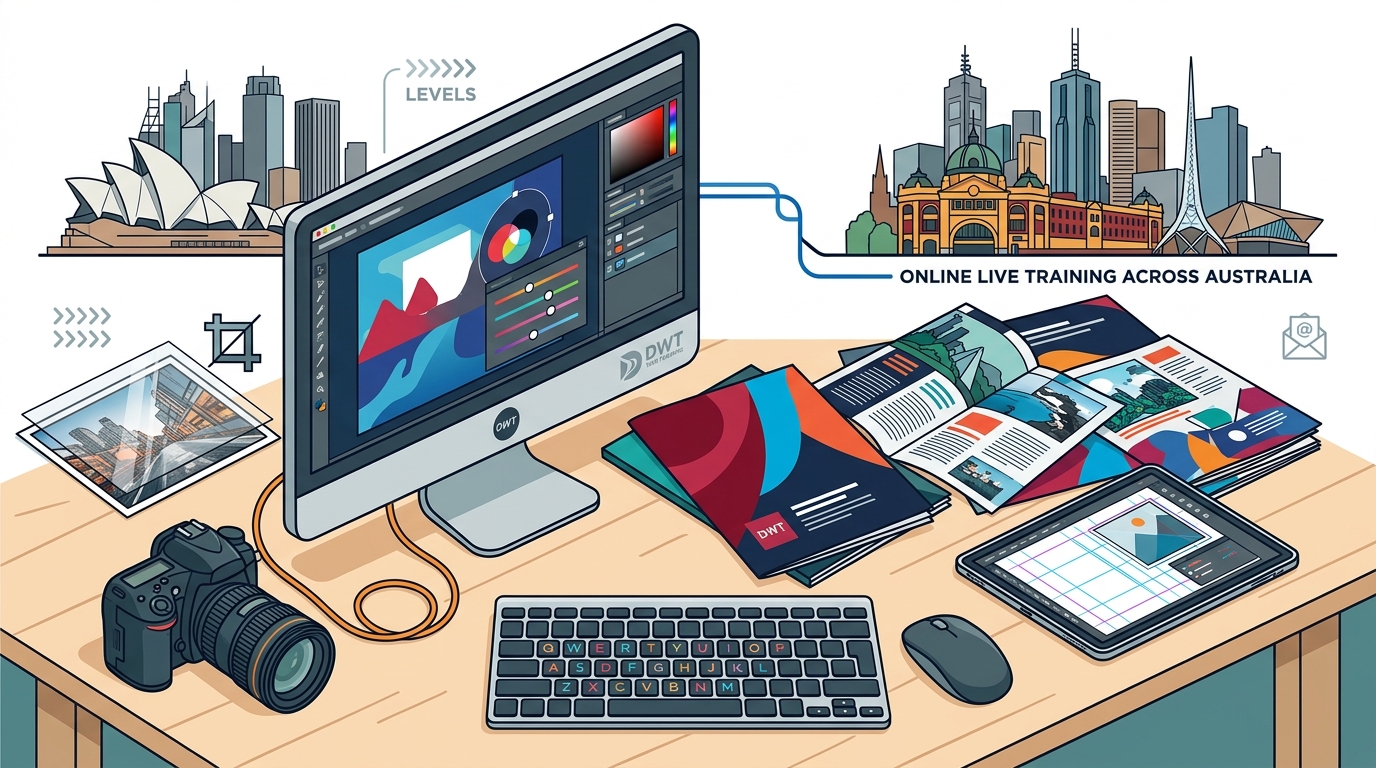
Both venues feature fully equipped computer labs, so there is no need to bring your own laptop. If you are located outside these cities, all courses are also available as Online Live sessions delivered across Australia via Microsoft Teams.
What to Expect in Class
A training class at Dynamic Web Training is instructor-led, hands-on, and deliberately small. The maximum class size is 10 students, with an average of just 5 per session. This ensures personalised attention from Adobe Certified trainers.
The teaching methodology follows a structured Instruct, Demonstrate, Challenge approach. Trainers first explain features, then demonstrate them live, and finally set practical exercises so participants can apply what they have learned. Every student receives a course manual, a certificate of completion, and ongoing support.
Post-Course Support and Repeat Policy
One feature that sets Dynamic Web Training apart is its post-course support. Every participant receives free course repeats for up to 8 months after their initial training. This is a valuable way to reinforce skills as you begin applying them at work.
In addition, students receive free email support for up to 12 months after their course. Whether you hit a tricky Photoshop selection or an InDesign layout issue, expert help is only an email away. You can also explore multi-course training packages that bundle Photoshop, Illustrator, and InDesign at a discounted price.
Course Comparison Table
| Course | Duration | Level | Max Class Size | Delivery |
|---|---|---|---|---|
| Photoshop Beginner | 2 Days | Beginner | 10 | Classroom / Online Live |
| Advanced Photoshop | 2 Days | Advanced | 10 | Classroom / Online Live |
| Photoshop UI Design | 3 Days | Advanced | 10 | Classroom / Online Live |
| InDesign Fast Track | 3 Days | Beginner | 10 | Classroom / Online Live |
| InDesign Long Documents | 2 Days | Advanced | 10 | Classroom / Online Live |
Key Takeaways
- Adobe Photoshop and InDesign remain essential tools for creative professionals in 2026, with demand for visual content continuing to surge.
- Dynamic Web Training offers beginner through advanced courses in both Photoshop and InDesign at campuses in North Sydney and Melbourne CBD.
- All courses are also available as Online Live sessions for learners anywhere in Australia.
- Classes are capped at 10 students (average 5), ensuring personalised, hands-on instruction from Adobe Certified trainers.
- Free course repeats for up to 8 months and free email support for 12 months provide exceptional post-training value.
- Multi-course training packages combining Photoshop, InDesign, and Illustrator are available at discounted rates.
- No prerequisites are required for beginner courses; just general computer literacy.
Frequently Asked Questions
Do I need any experience before taking a Photoshop beginner course?
No. The beginner Photoshop course is designed for participants with little or no experience. You only need a general understanding of personal computers and the Windows or Mac operating system.
How long is the InDesign beginner course?
The Fast Track to InDesign course runs for three days, from 9:00 am to approximately 5:00 pm each day. The advanced InDesign Long Documents course runs for two days.
Where are the Sydney and Melbourne classrooms located?
The Sydney campus is at Level 11, 32 Walker Street, North Sydney, NSW 2060. The Melbourne campus is at Level 12, 379 Collins Street, Melbourne, VIC 3000. Both are fully equipped computer labs.
Can I take these courses online?
Yes. Every Photoshop and InDesign course is available as an Online Live session delivered via Microsoft Teams. You will need a computer with a second screen, a headset with microphone, and a stable internet connection.
What happens if I need to revisit the material after my course?
Dynamic Web Training offers free course repeats for up to 8 months and free email support for up to 12 months after completion. This lets you reinforce your learning at no additional cost.
Are the trainers certified?
Yes. All Photoshop and InDesign courses are delivered by Adobe Certified trainers with extensive industry experience. Dynamic Web Training is an Adobe authorised training centre.
Can I bundle Photoshop and InDesign courses together?
Absolutely. Dynamic Web Training offers graphic design training packages that combine courses in Photoshop, InDesign, and Illustrator at a discounted price. Individual courses within a package can even be taken by different team members.
Will I receive a certificate?
Yes. Every participant receives a Certificate of Course Completion upon finishing their Photoshop or InDesign training.
Get Started Today
Ready to build professional-grade creative skills? Browse the full range of Photoshop training courses and InDesign training courses at Dynamic Web Training, or call 1300 888 724 to speak with a training consultant about the best course for your goals.